


Latest Version
Visit PageMore About :game
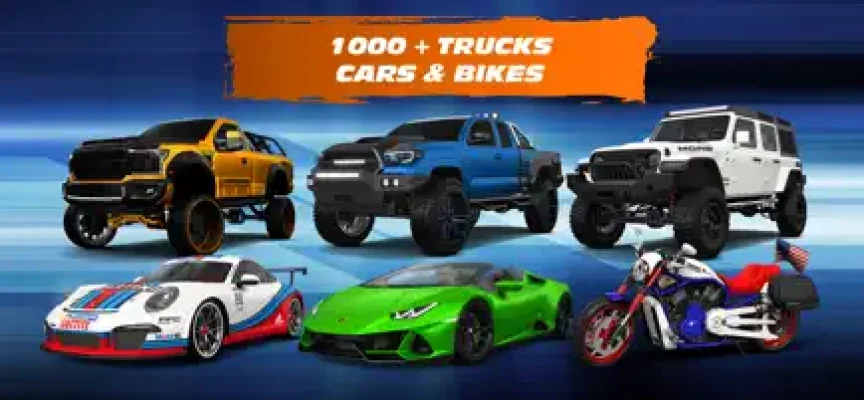
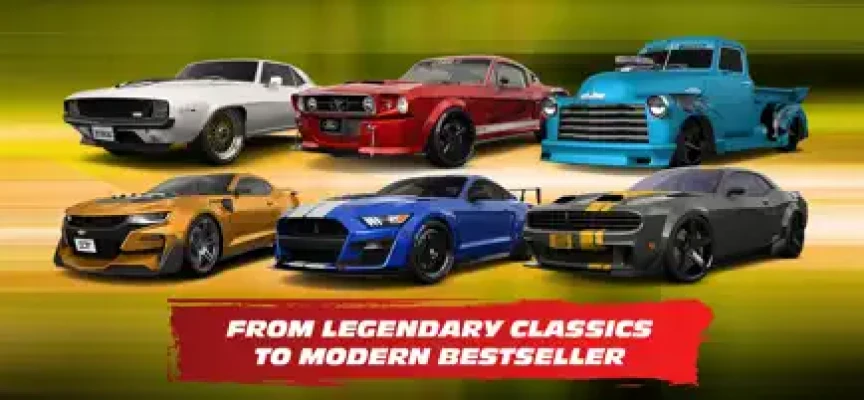
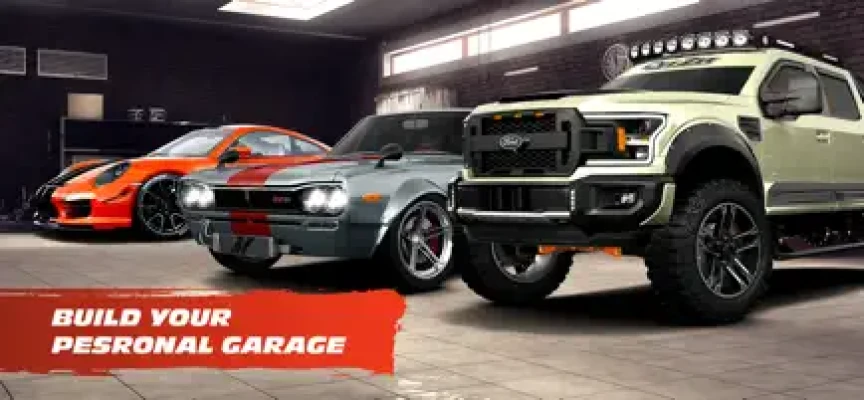
3DTuning Car Game Simulator is one of the most detailed car customization experiences available on mobile and web. It allows players to explore a massive library of real-world vehicles and transform them using highly realistic tuning options. From classic muscle cars to modern supercars and heavy-duty trucks, the game offers a deep and immersive garage-building experience.
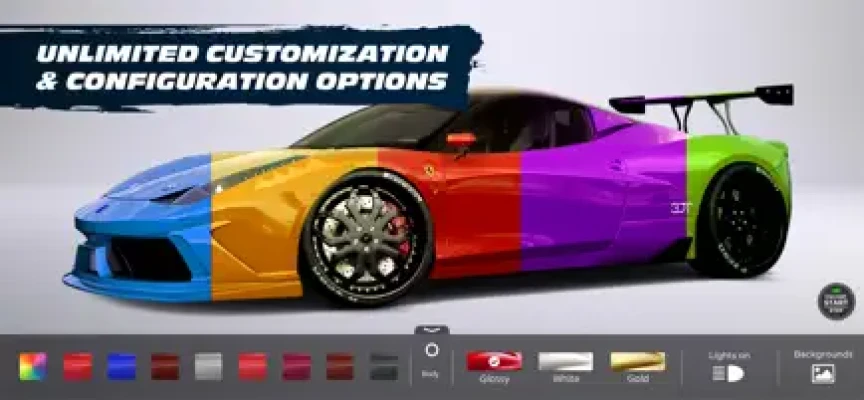
Unlike traditional racing games, 3DTuning focuses entirely on design, customization, and visualization. Players can adjust body kits, wheels, paint styles, suspension, interior details, and more to create a fully personalized vehicle build.
Key Features
- Huge collection of real-world cars, trucks, and bikes
- Advanced 3D customization system
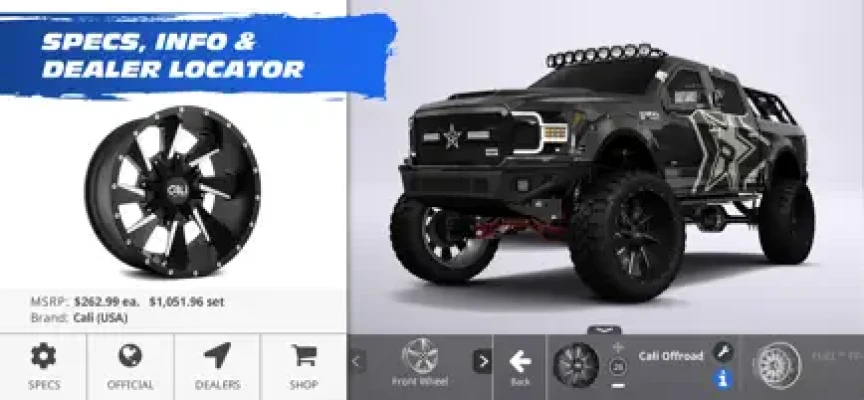
- Thousands of real tuning parts and accessories
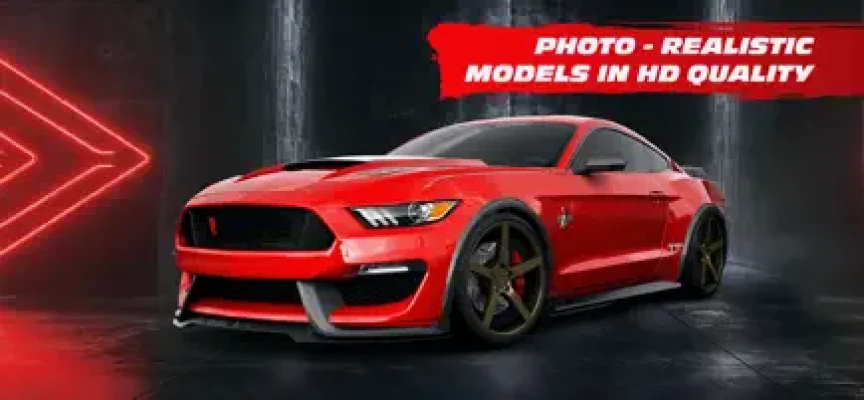
- High-detail visual modeling and rendering
- Paint, body kit, and wheel customization options
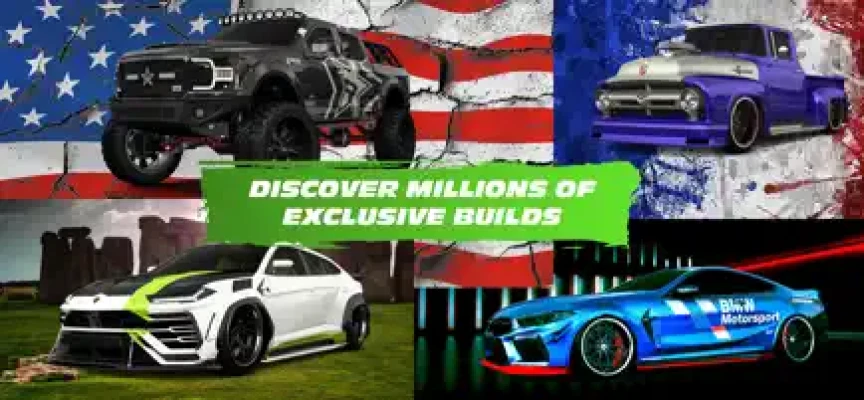
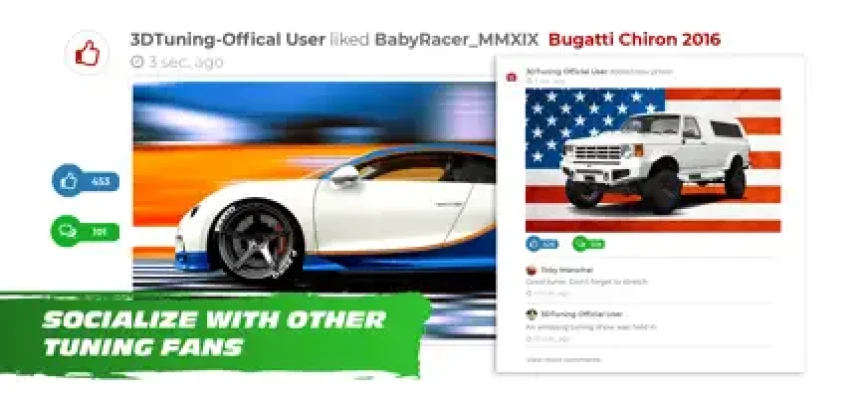
- Save and share custom car builds
- Continuous updates with new vehicles and parts
Gameplay Overview
The gameplay is centered around creative freedom rather than racing. Players choose a vehicle and begin customizing it step by step. Each modification updates the 3D model in real time, allowing users to visually compare different builds and styles.
You can experiment with:
- Street racing style builds
- Off-road truck modifications
- Luxury show car designs
- Drift and stance configurations
The experience is ideal for car enthusiasts who enjoy planning real-life builds or testing visual concepts before applying them.
Walkthrough Guide (Beginner to Advanced)
1. Starting Your First Build
Begin by selecting a car that matches your style. Popular choices include sports cars and trucks due to their wide customization options.
Focus on:
- Body type selection
- Base color choice
- Wheel selection
2. Understanding Customization Layers
Each vehicle has multiple modification layers:
- Exterior body kits
- Suspension height and stance
- Wheel size and offset
- Paint and finish options
Take time to experiment with each layer separately.
3. Creating a Balanced Build
To create a realistic-looking car:
- Match wheel size with body kit width
- Avoid extreme suspension settings early
- Use complementary colors instead of random designs
4. Advanced Customization Techniques
Once familiar with the basics:
- Build stance-style cars with lowered suspension
- Create off-road trucks with lifted kits
- Design aerodynamic race builds with wide body kits
- Use color contrast for show builds
5. Pro Builder Strategy
Experienced users often:
- Start with wheel design first
- Then match suspension height
-
Finally adjust body kit and paint
This ensures a consistent and visually appealing design.
Tips for Better Builds
- Always preview multiple wheel styles before finalizing
- Use darker base colors for aggressive builds
- Bright colors work best for show cars
- Keep proportions realistic for better visual balance
User Feedback Insights
Players generally praise 3DTuning for:
- Extremely detailed vehicle models
- Huge variety of real-world cars
- Realistic visual customization system
- Useful tool for planning real car modifications
Common criticisms include:
- Limited parts on some vehicles
- Certain features locked behind purchases
- Occasional UI and performance issues on mobile devices
- Desire for more modern car models and customization depth
Why 3DTuning Stands Out
3DTuning is widely used not only as a game but also as a car design tool. It helps users visualize real automotive projects before investing in actual modifications. This makes it popular among car enthusiasts, tuners, and designers who want a realistic preview of their builds.
Rate the Game
User Reviews















Popular Games



















 Android
 iOS
iOS Windows
 Xbox
Xbox